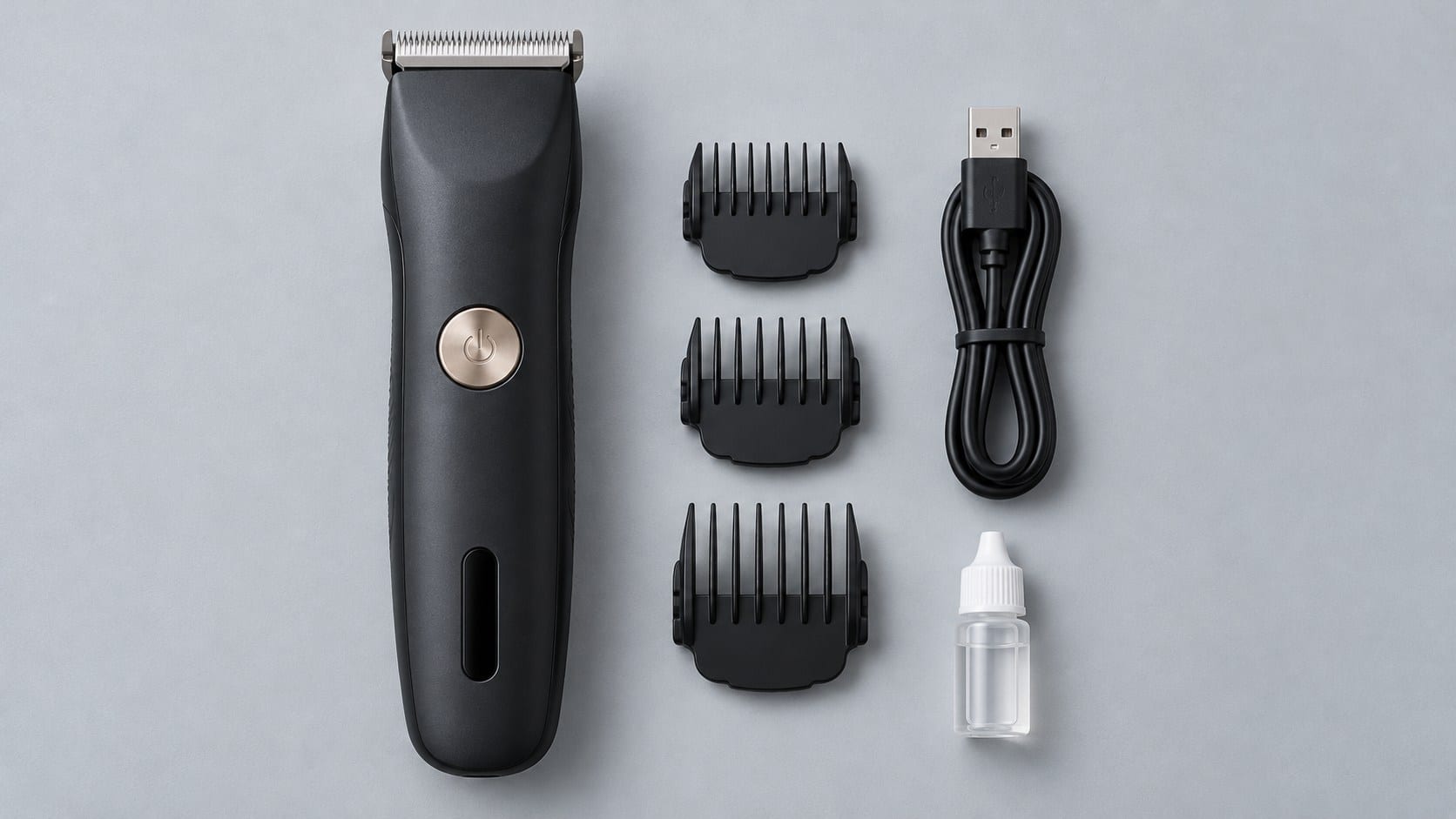
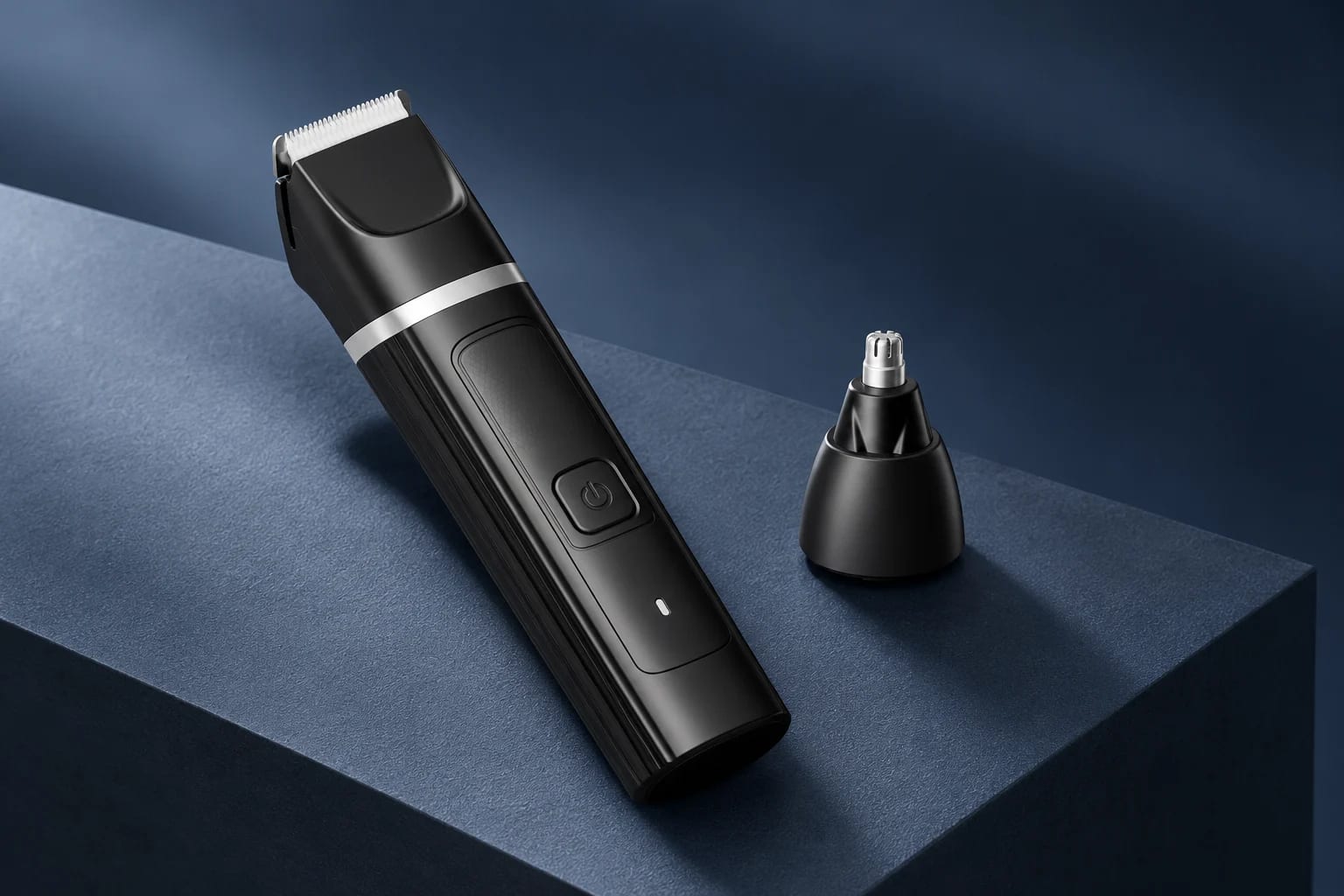
A replacement-parts page should answer one smaller question than a product catalogue: *which exact item does this listing refer to?* If that answer is missing, a guide guard with a familiar outline can be mistaken for a universal fit, and a blade image can quietly become an unsupported service promise.
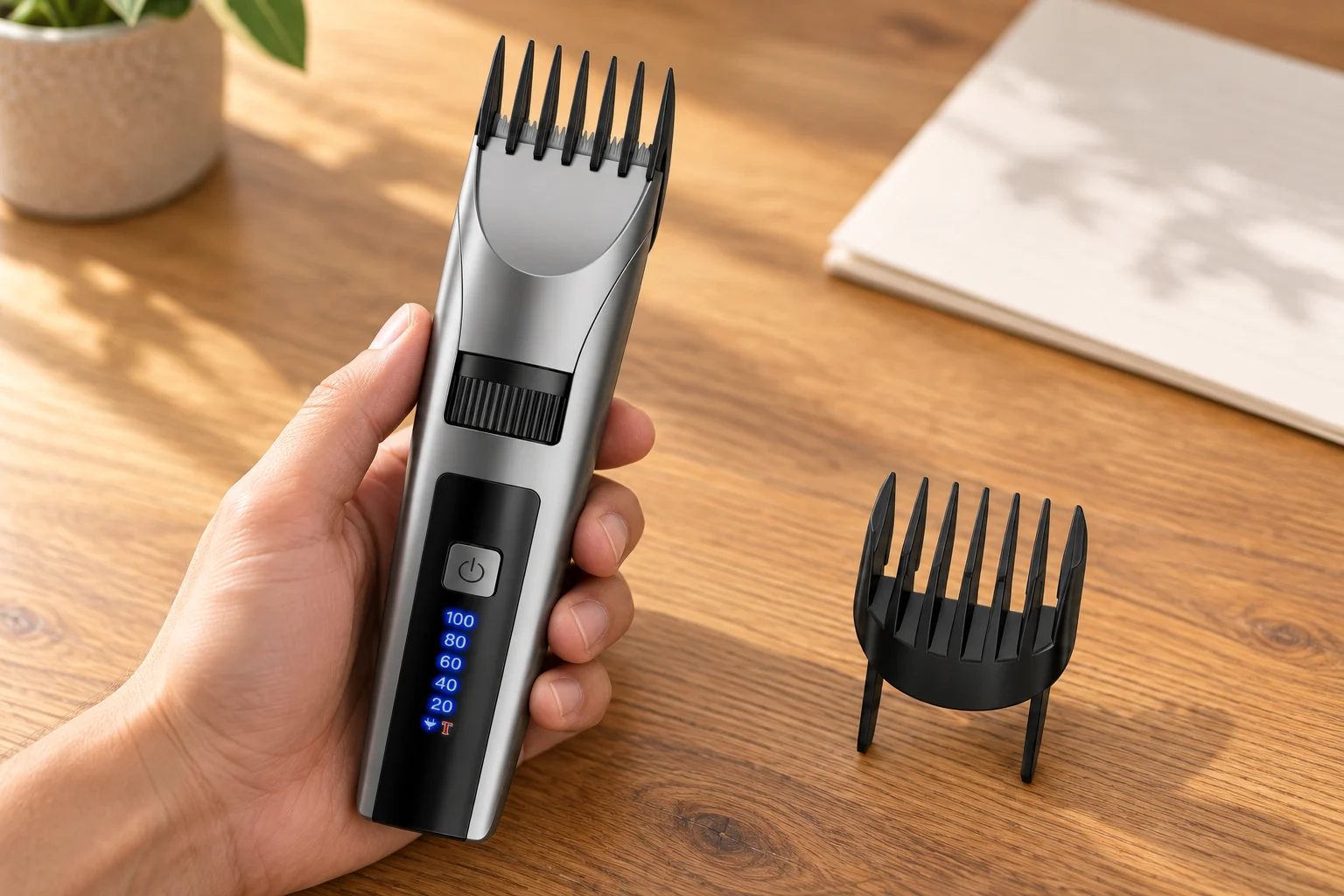
This close product scene shows a home hair clipper and adjustable guide guard for documentation context. The selected model record and project documentation still determine what an item listing can state.
Do the guard ranges identify a replacement part?
Not on their own. The public YP-7502 record identifies two adjustable length guards: Guard A is recorded at 3–11 mm and Guard B at 17–25 mm. Those are useful catalogue fields for the selected model. They do not tell a buyer whether a separately listed guard is the same revision, whether it fits another model, or which physical item is included in a particular project.
For each proposed listing, keep the model code, guard name, visible marking or revision reference, product image reference and final configuration together. If one of those links is missing, describe the item as awaiting confirmation rather than borrowing a fit statement from a similar clipper.
What should the blade listing prove?
The same rule applies to a blade. The YP-7502 catalogue record describes a stainless-steel and ceramic blade, but that material field is not a replacement-part number, a removal instruction, a compatibility statement or a promise that an individual blade will be supplied. A usable listing needs the selected model, the documented blade or head reference, the applicable sample or drawing reference and the approved wording for the target market.
This keeps a product-family image from doing more work than it can support. A visual can help a buyer identify the document being discussed; it cannot prove service availability or the correct installation procedure.
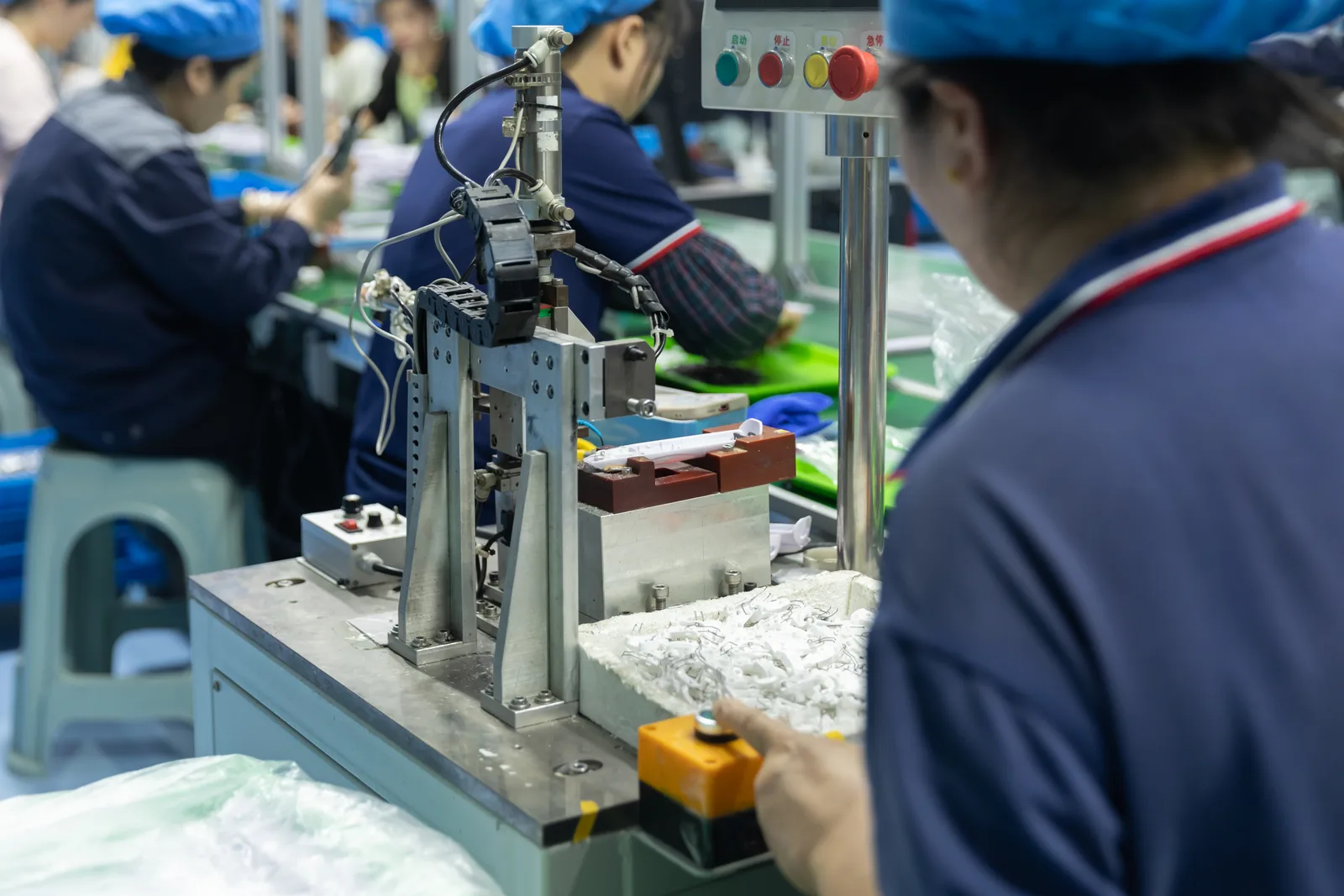
This production-workstation scene provides manufacturing context. It does not identify YP-7502, confirm a replacement item, or demonstrate an assembly or quality result.