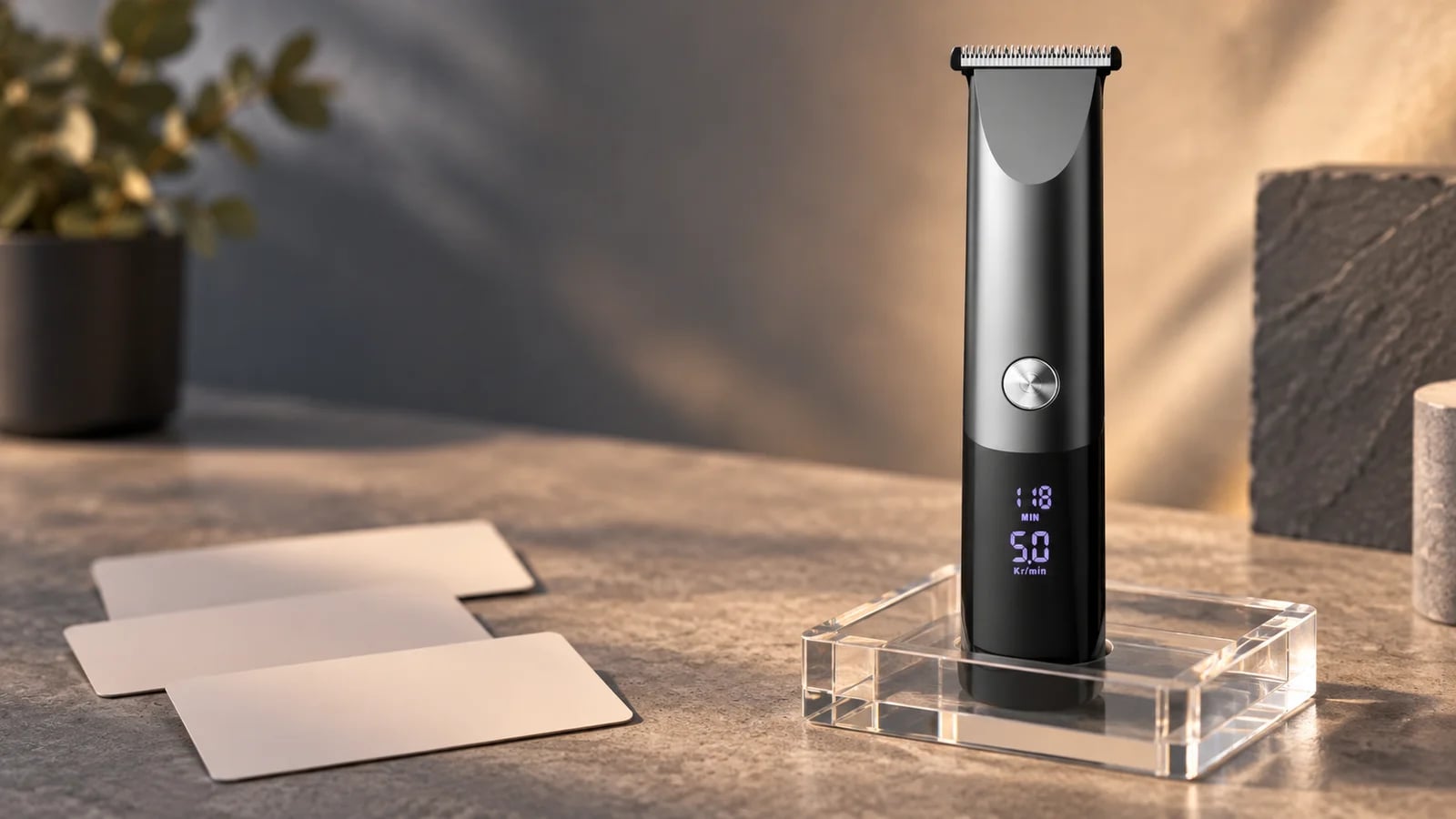
Two clipper samples can look almost identical at a distance and still represent different purchasing decisions. A stand placed beside one sample may be a display choice, an optional item, or part of a selected package. Until the project record says which one it is, the safest description is not to assume that the stand follows the clipper.
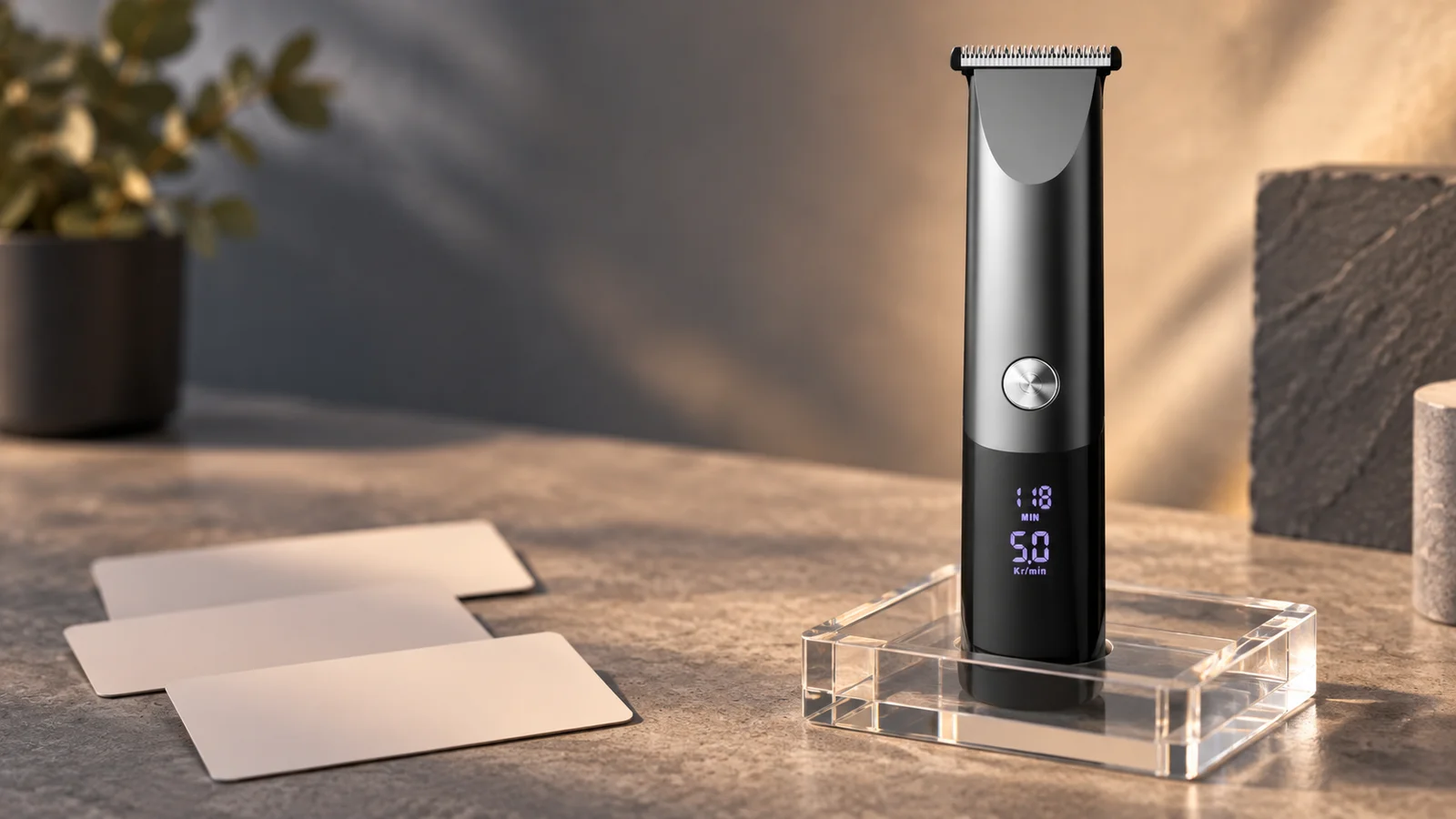
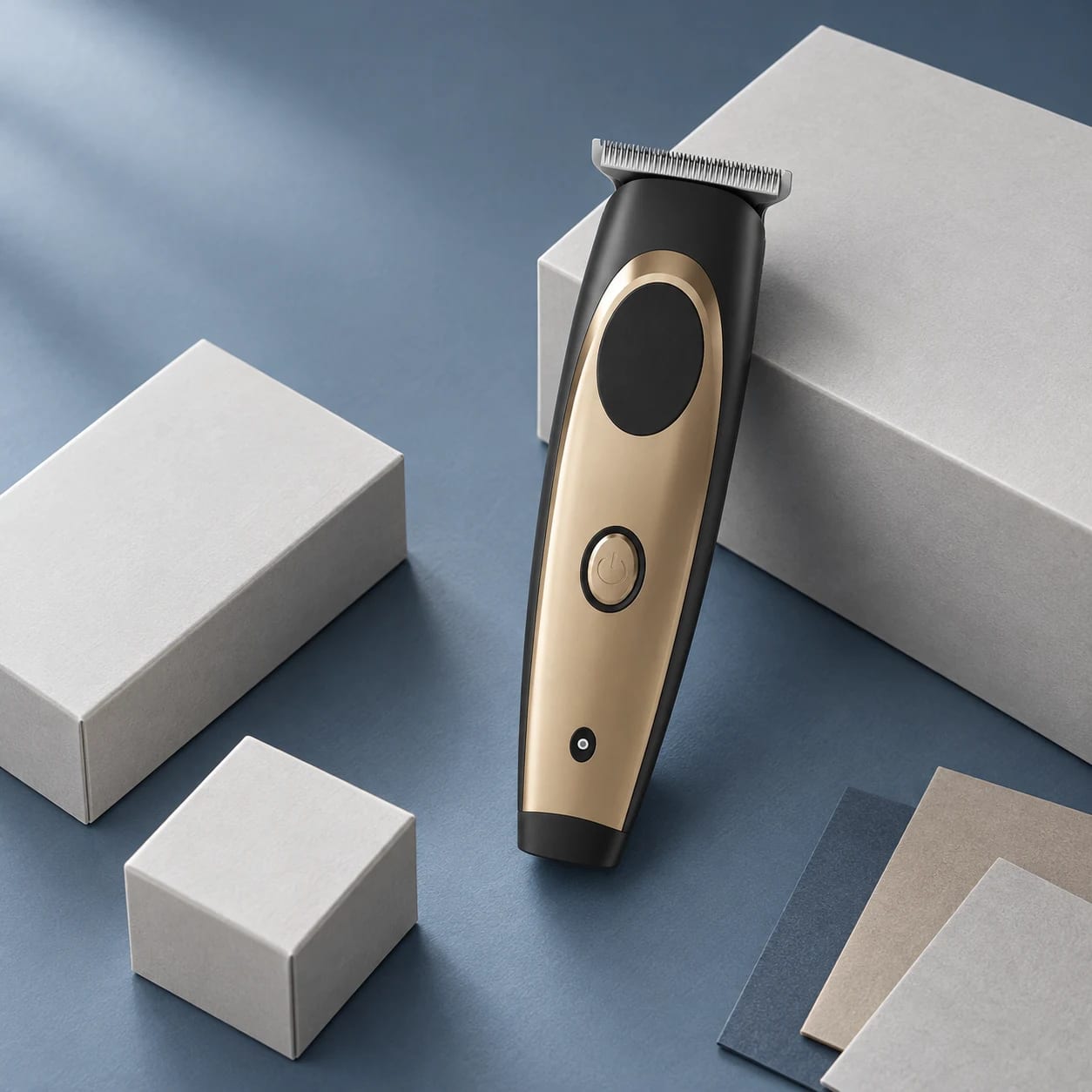
This product scene places a clipper with blank configuration cards. The selected product record and project documents determine the final configuration.
Begin with the item that changes the decision
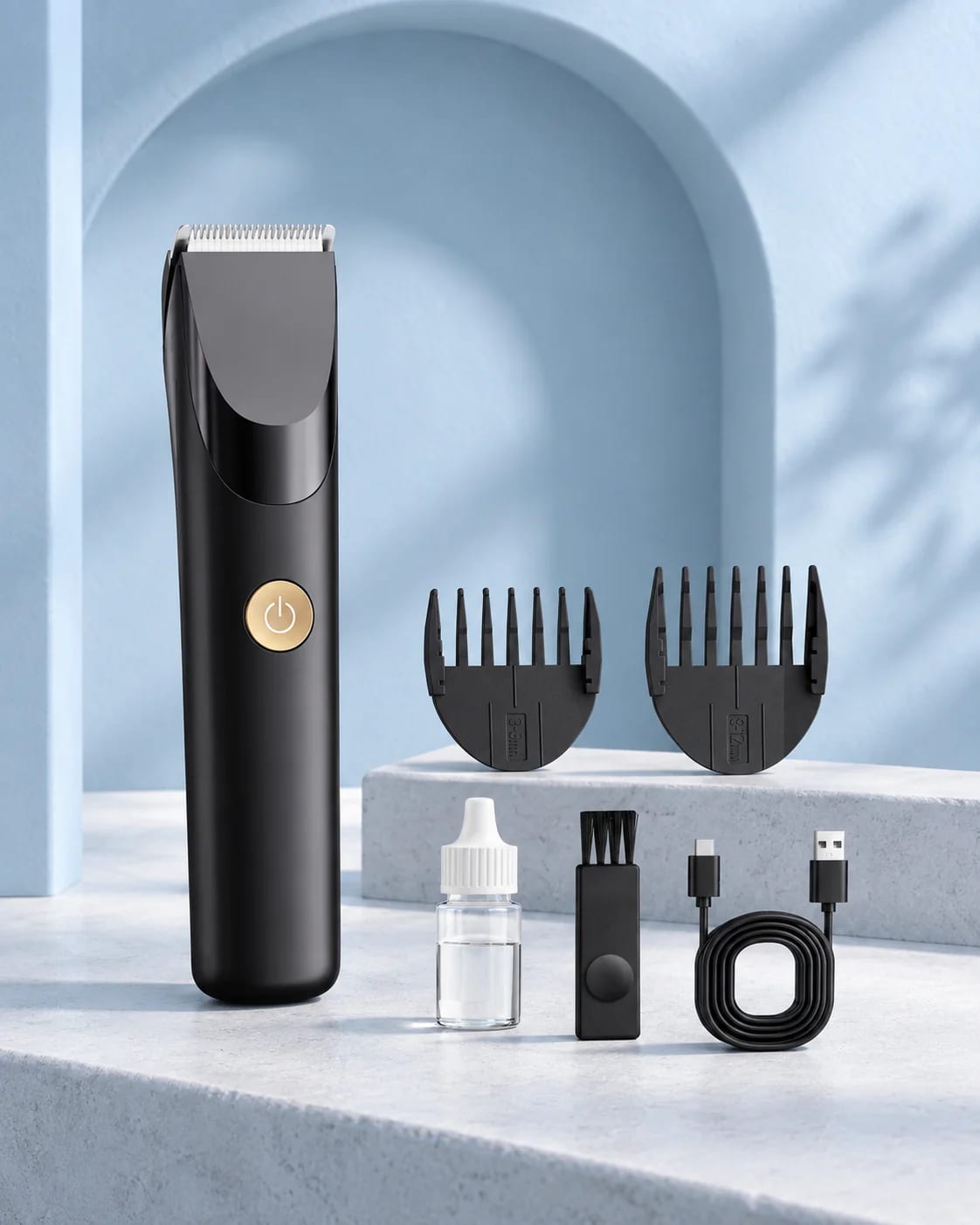
For the public YH-7108 hair-clipper record, the catalogue lists four guide combs at 3 mm, 6 mm, 9 mm and 12 mm, a 1.0 m USB cable, oil bottle, cleaning brush and a charging stand “for choice.” That wording makes the stand an item to decide and record; it does not make it an automatic inclusion.
Open a separate option line before the sample moves to packaging, photography or sales wording. Put the model, the selected sample reference, the stand decision, the planned market and the evidence that supports the decision on that line. If the decision is still open, leave it open rather than borrowing an answer from a nearby product photo.
Use three gates before calling the option part of the configuration
Gate one — Was it selected? A photograph can show that a stand was present for that photograph. It cannot show that it was selected for every sample or order. Look for the approved configuration or another authorised project record.
Gate two — Is it described the same way everywhere? Compare the selected configuration with the packaging, manual, product images and proposed listing copy. A stand should not appear in buyer-facing wording simply because it was placed in a studio scene or listed as an option in a general catalogue.
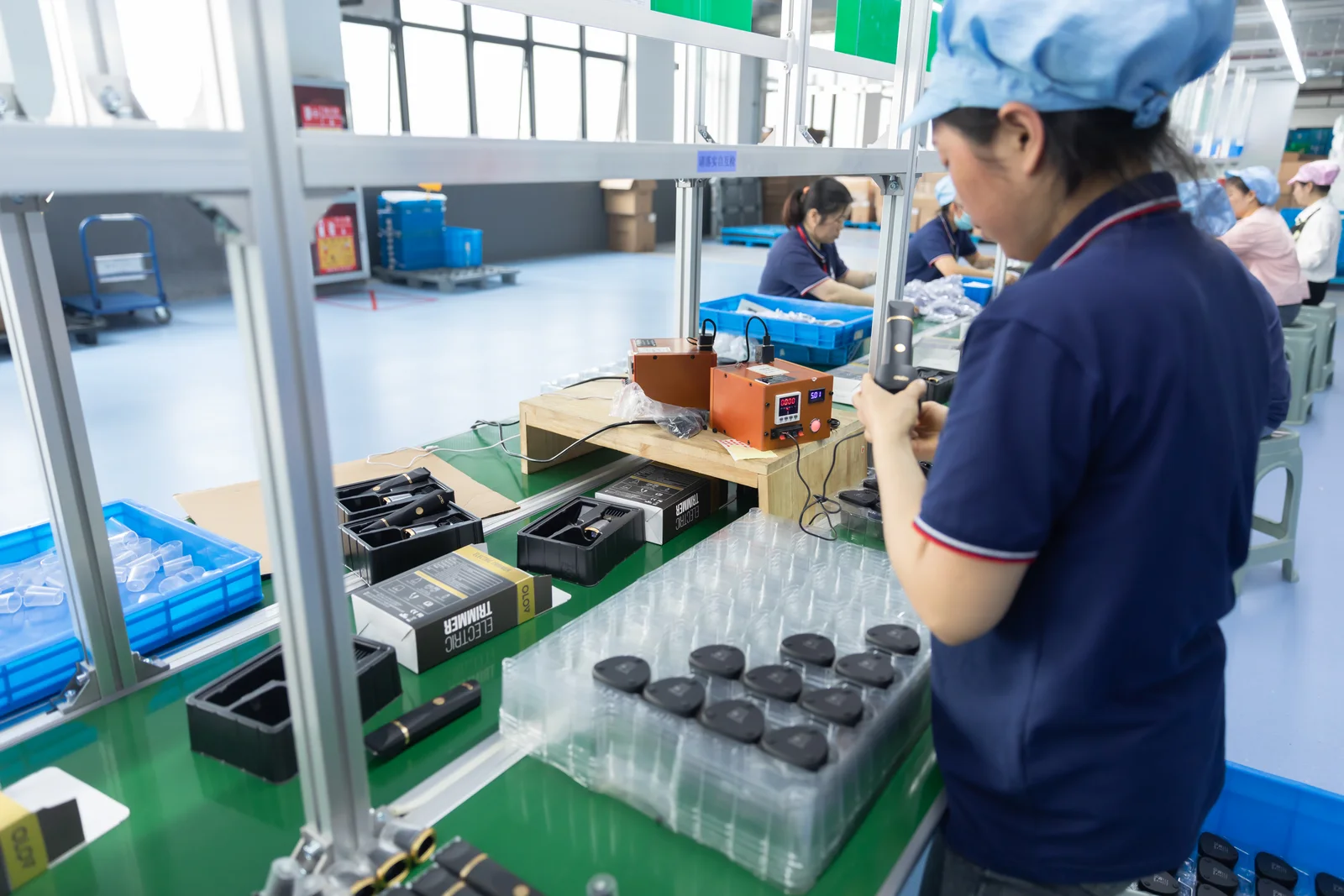
This work-area view provides general production context only. It does not identify YH-7108, prove a selected accessory, or establish a test or production result.